How it works
From scattered data to clear answers in three steps.
No data analysts. No agency. No spreadsheets. Just connect, ask, and know.
Step 01
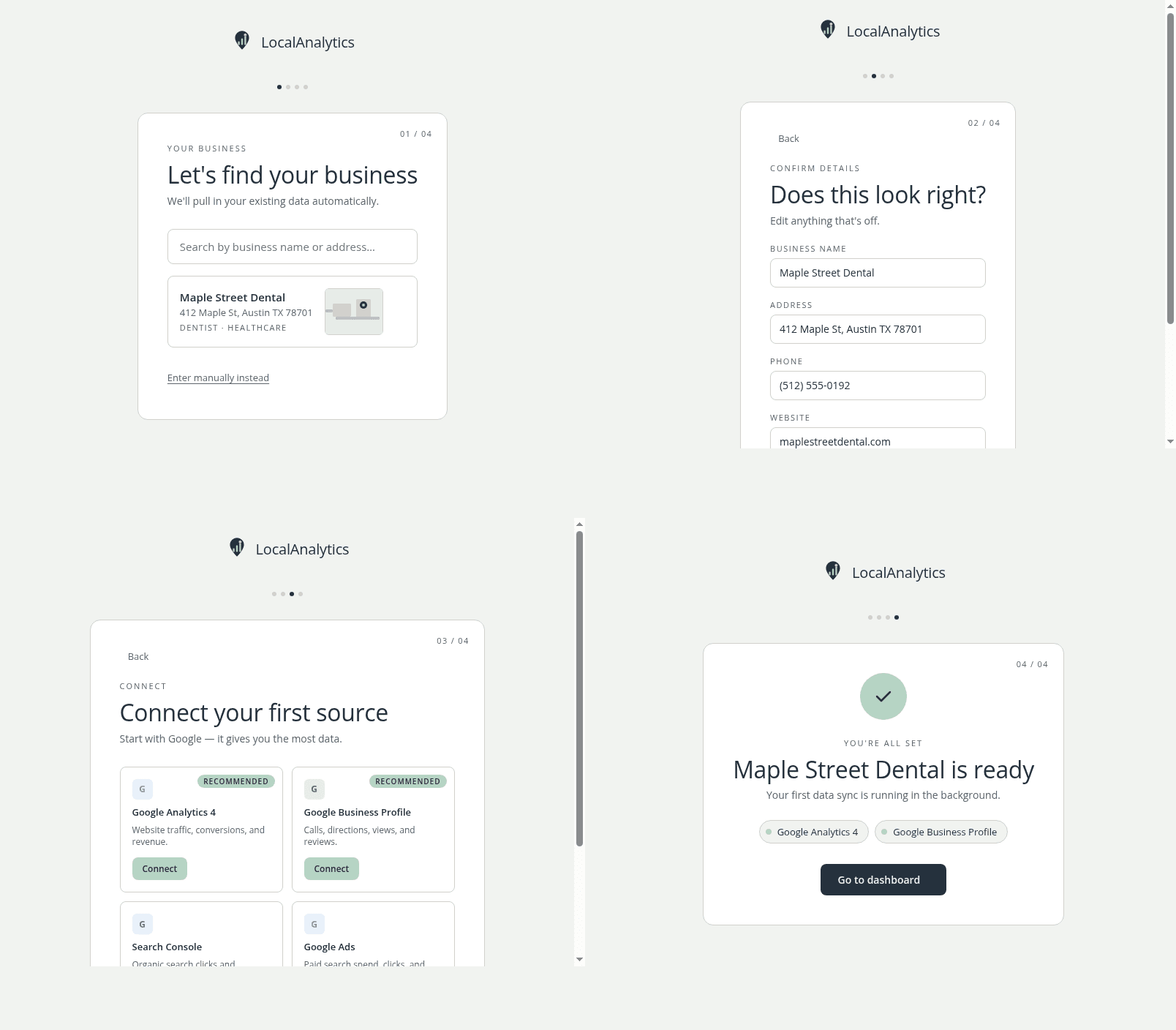
Connect your channels — once
Link Google Ads, Meta Ads, Google Business Profile, Search Console, and more in a few clicks. No CSV exports. No copy-paste. Your data stays in your accounts; we just read it.
Setup takes under 10 minutes for most businesses. We connect directly via official APIs — same access you'd grant an agency, but without the agency fees.
Step 02
Ask what you actually want to know
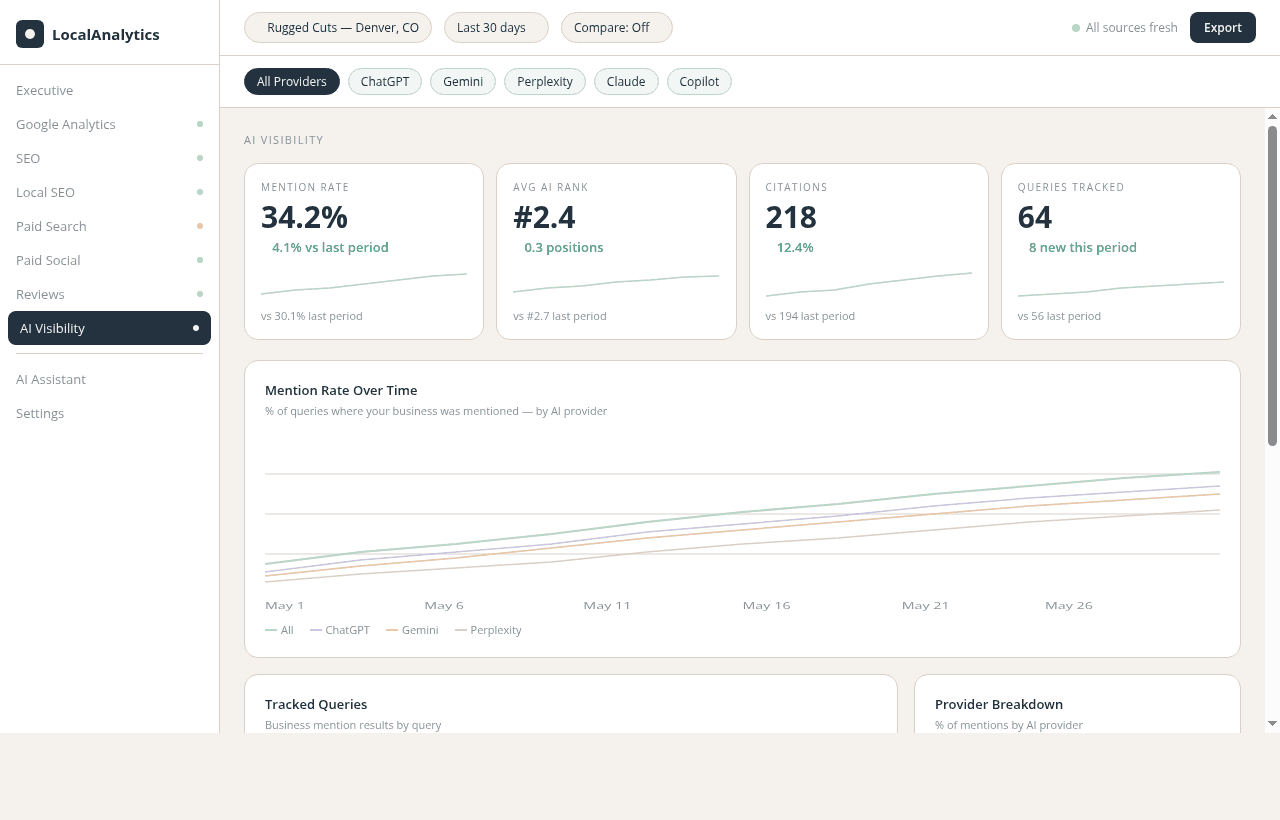
Type a plain-English question: "Which campaign drove the most calls last month?" or "What's my cost per new patient from Google Ads?" You get a direct answer backed by your own data.
No SQL. No formulas. No waiting for a report. The AI reads across all your connected channels and returns a specific answer with a number attached.
Step 03
See the full picture — and act
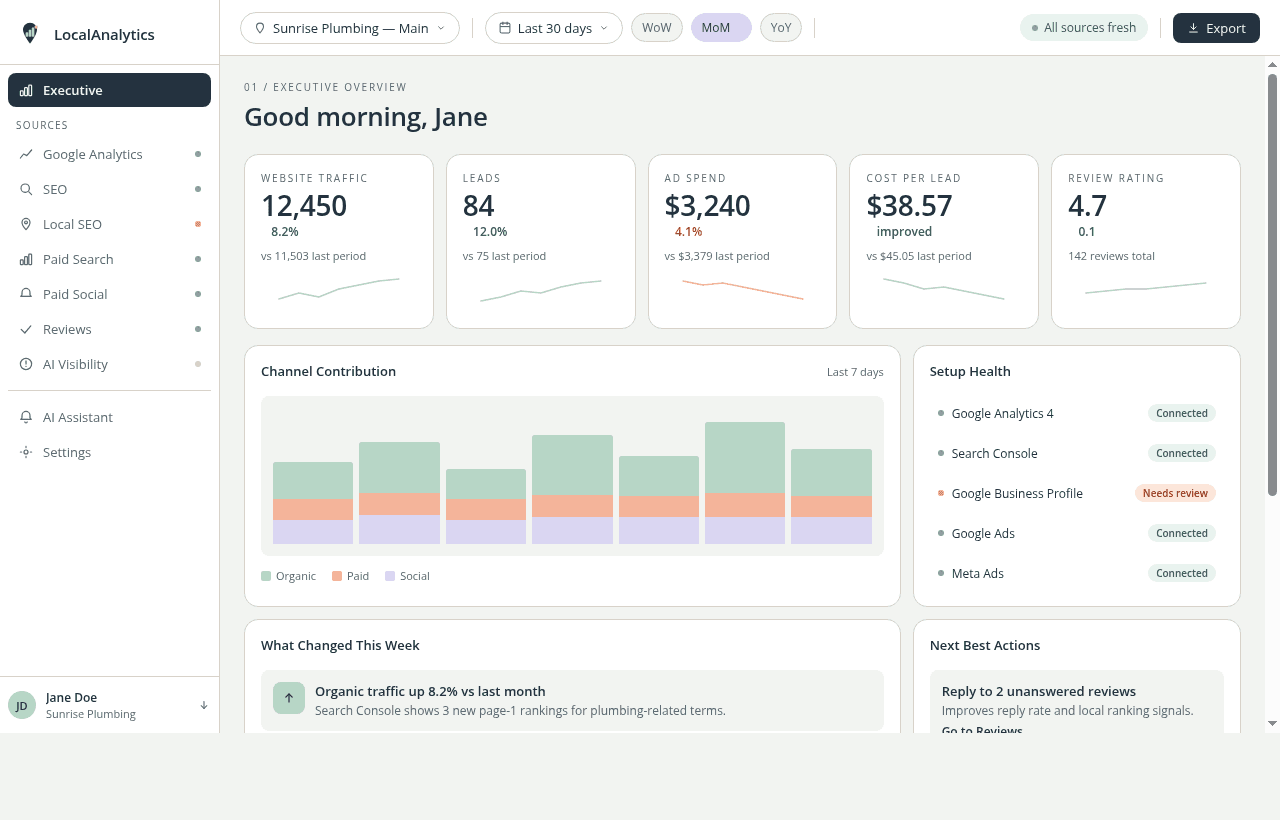
Your unified dashboard surfaces the KPIs that matter: calls, cost per lead, GBP profile views, and campaign performance. Ranked, compared, and ready to act on.
Every panel includes a freshness indicator so you always know when data was last synced. Drill into any channel with one click.
< 10 min
Avg setup time
5+ channels
Connected in one place
250 questions
Included per month
See it for yourself.
$1 for 14 days. No commitment. Setup in under 10 minutes.
Start for $1